
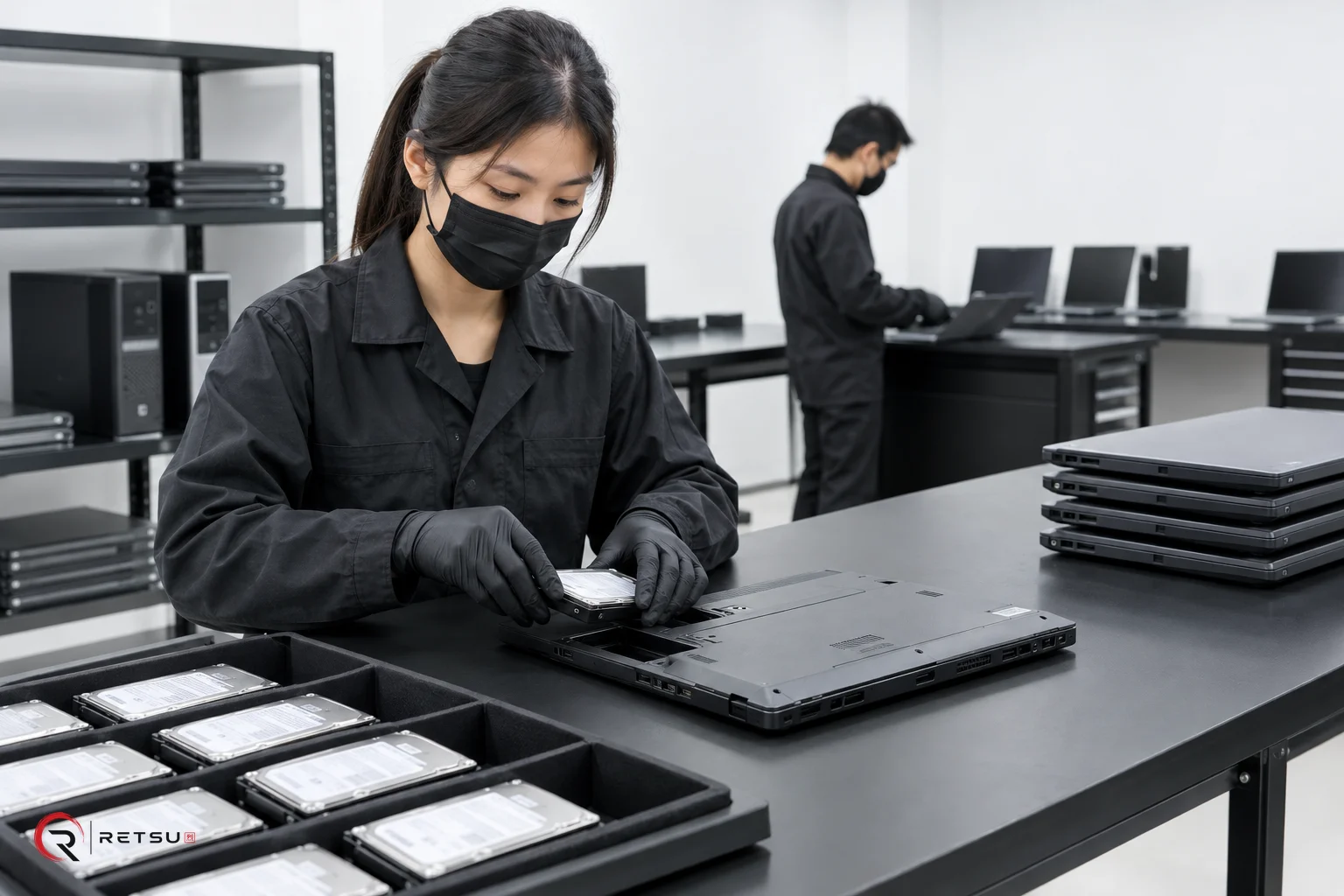
Device testing isn’t just a box-ticking exercise. If you want to guarantee reliability, compliance and maximum resale value, you need a robust process, and the right tools. The challenge? It’s rarely enough to run a single pass of diagnostics: some hardware only works as it should when tested in a specific environment. Here’s why that matters, and how you can avoid the common pitfalls.
Why Proper Device Testing Demands More Than One Environment
You can’t assume that one round of diagnostics will reveal every fault. Many IT asset disposition (ITAD) businesses, and even some refurbishers, rely on tools that run under Linux for speed and automation. That’s fine for a first pass: Linux-based tools are excellent for quick hardware sweeps, basic component checks and, of course, secure data erasure. But it’s not the full story.
Plenty of laptop and desktop components, fingerprint sensors, webcams, touchpads, Bluetooth radios - rely on Windows-specific drivers. If you’re only testing in Linux, there’s a real risk these devices are marked as ‘passed’ when they’re not even activated. In our experience, around 10-15% of hardware issues are only caught when you boot into Windows and run device manager diagnostics. That’s the gap that trips up plenty of otherwise competent operations.
The Limitations of Blancco and Similar Tools
Blancco is an industry standard for data erasure, and it offers basic hardware checks. But its diagnostics suite isn’t exhaustive, especially when you’re dealing with newer or more obscure Windows-only peripherals. Blancco’s hardware detection is limited by the drivers built into its Linux-based environment. If the hardware requires proprietary Windows drivers, it may not even appear in the diagnostics list, let alone be properly tested.
This isn’t a criticism of Blancco itself; it’s just the reality of how device drivers work. Relying solely on this type of tool can mean you miss subtle faults, like failing touchscreens or erratic Wi-Fi modules, that only show up under Windows. For compliance and warranty purposes, that’s a serious risk.
How Retsu Covers Both Bases: Erasure and Profiler
At Retsu, we’ve built our process around these limitations. Step one is Retsu - Erasure. It’s a powerful Linux-based tool for secure data erasure, initial diagnostics and quick component grading. The focus here is speed, compliance, and immediately weeding out units with obvious faults.
But we don’t stop there. Step two is Retsu – Profiler, our Windows-based solution. Here’s where we install all the right drivers, initialise hard drives properly (especially SSDs and NVMe devices that sometimes need manufacturer tools), and run deep hardware tests. Profiler automatically identifies components that Linux might miss, flags driver issues, and checks device manager for any missing or malfunctioning hardware.
The result is a full-circle process: you get secure erasure, rapid first-pass diagnostics, and then a second, more granular inspection under Windows. It’s the only way we’ve found to confidently say a device is ready for resale or redeployment without risking hidden faults.
Practical Steps: What Our Testing Workflow Looks Like
Let’s break it down. Every device that comes through our doors goes through a two-stage workflow:
- Retsu – Erasure (Linux):
- Secure data erasure that meets UK GDPR and NIST 800-88R1 standards.
- Quick diagnostics: RAM, CPU, display, basic storage and network tests.
- Initial cosmetic grading and reporting for compliance records.
- OS deployment prep, so devices are ready for the next stage.
- Retsu – Profiler (Windows):
- Windows driver installation for every detected component - no guessing, no generic drivers.
- Device manager validation: checking for missing or malfunctioning hardware.
- Advanced diagnostics: webcam, touchscreen, card readers, Bluetooth, and anything else Linux might skip.
- Hard drive initialisation using manufacturer tools if needed, especially for encrypted or OEM-partitioned disks.
- Final grading and compliance report generation, including screenshots and logs.
This isn’t a theoretical process. We’ve refined it over hundreds of batches, and it’s what lets us guarantee both data security and device reliability to our clients.
Why This Dual Approach Pays Off
Some might ask if the extra step is worth it. From our side: absolutely. Devices that pass both stages have a far lower return rate - in our workflow, less than 2%. The time spent on a second round of diagnostics is offset by fewer warranty claims, higher resale values, and much greater client trust. And when you’re handling assets for public sector or regulated industries, that’s not just good sense, it’s a compliance necessity.
There’s also a practical side. Using a two-phase system means you catch both the obvious and subtle faults, document every action for audit, and can confidently say your workflow is up to scratch when your client’s compliance team comes calling. In the UK market, that’s often the difference between winning large contracts and losing out to a competitor.
Wrapping Up: What’s the Best Tool?
No single tool can handle every aspect of device testing. Retsu’s approach, combining Erasure for fast, secure Linux diagnostics and Profiler for in-depth Windows hardware validation - is the only way we’ve found to close the gaps left by standard industry solutions like Blancco. If you’re serious about device reliability, compliance, and reducing returns, you need a process that covers both operating system environments, installs the right drivers, and documents everything for audit. That’s what we’ve built, and it’s why our clients trust us with their IT assets.