
Clear, consistent product images are essential for ITAD and refurbishment teams selling devices online. Accurate photography helps buyers understand what they are purchasing, avoids misunderstandings, and supports the professional brand image your team works hard to build. One of the easiest ways to improve the clarity of your device photos is through effective background removal. With ProCut in Retsu Portal, background removal is a practical workflow step that makes preparing product images more straightforward than ever.
Why Background Removal Matters for Refurbished Devices
When listing refurbished laptops, desktops, or other IT hardware, messy or distracting backgrounds can reduce the perceived quality of even the best devices. Removing the background from product photos does not alter the true condition or features of the item, but it helps focus attention where it matters – on the device itself.
For ITAD and refurbishment operations, where many images are produced daily, background removal serves practical goals:
- Creates a uniform appearance across all product listings, making your catalogue look more professional
- Reduces the need to arrange elaborate photography setups or purchase expensive backgrounds
- Helps showcase device details without visual clutter, assisting grading and sales teams
- Simplifies compliance with online marketplace guidelines that require plain backgrounds
This small step in your workflow can have an outsized impact on customer trust and operational efficiency.
Introducing ProCut: AI Background Removal in Retsu Portal
ProCut is the browser-based product image editor integrated into Retsu Portal. It includes an AI-powered background removal tool designed for ITAD and refurbishment teams who need to process images quickly and at scale. Unlike general-purpose graphic editors, ProCut is tailored specifically for IT asset workflows. It is easy to access within your browser and works within the same suite you use for inventory, device records, and sales preparation.
The AI background removal tool isolates the device in your photo, leaving the background transparent. This gives you a clean base image that you can use as-is, or combine with other product editing steps in your workflow. The aim is to reduce reliance on manual editing and specialist design skills, so every technician can prepare clear product photos directly on the bench or at their workstation.
How Background Removal Fits Into Your Stock Photography Workflow
Using background removal with ProCut in Retsu Portal is a straightforward process. Here is how ITAD and refurbishment teams typically incorporate this step into their photography routine:
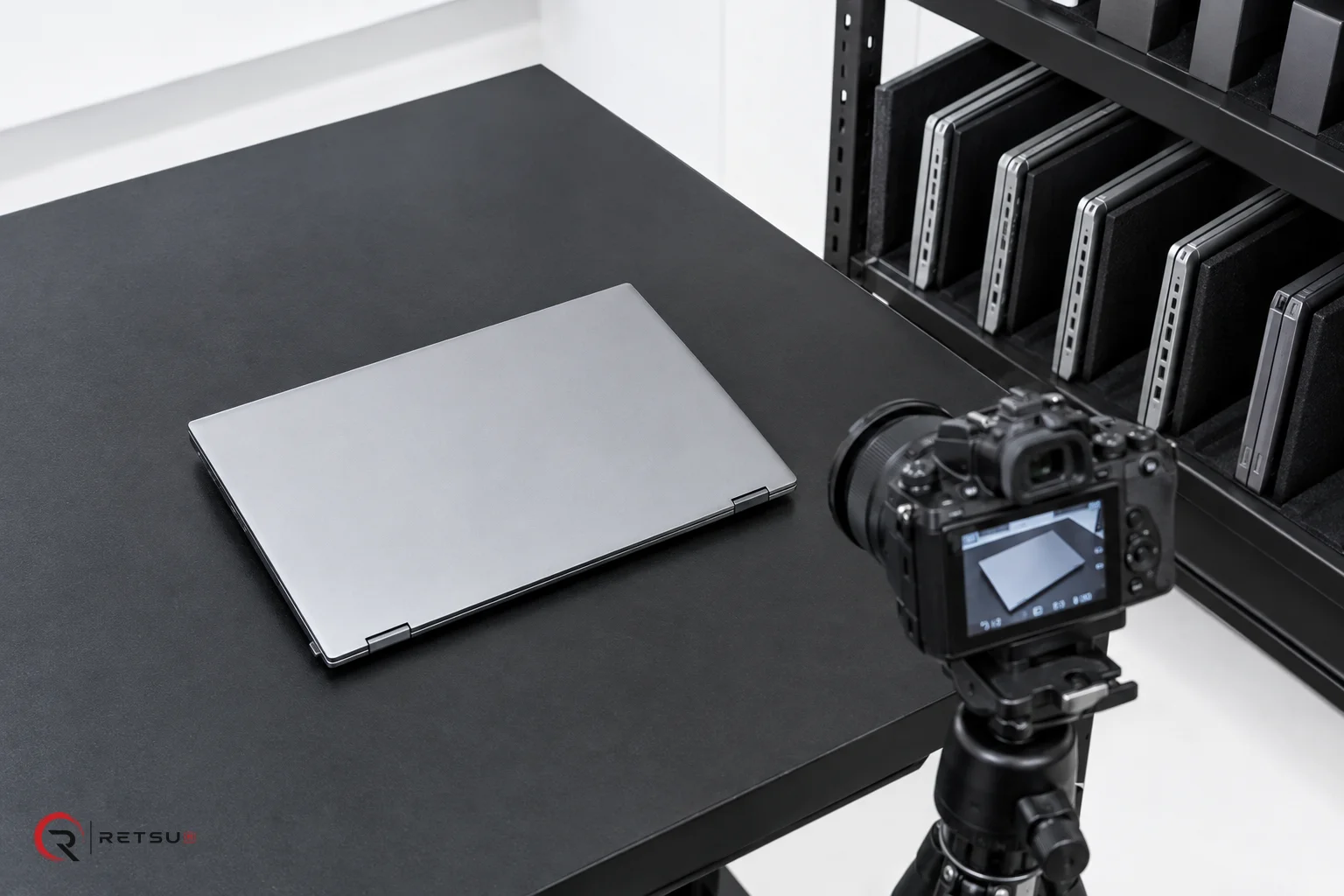
- Capture the product image: Place the device on the black workbench or photography station and take a clear, well-lit photo with a camera or mobile device.
- Upload the image to ProCut: Access Retsu Portal and navigate to the image for your device record. Launch ProCut right from the browser, no additional software required.
- Apply AI background removal: Within ProCut, select the background removal tool. The AI automatically detects and removes the background, leaving just the device on a transparent layer.
- Review and adjust: You may fine-tune the selection as needed using the editing tools provided. The aim is to keep the device accurately represented, avoiding accidental removal of ports, logos, or other identifying features.
- Export or move to the next step: The edited image can be saved for listings, further editing, or converted to the required format for your sales channel. With consistent, clean images, your listings stand out with minimal effort.
With ProCut, each technician can blend photography directly into their device intake or preparation workflow, removing the bottleneck often caused by image post-processing. This helps avoid repeated manual entry or waiting for a separate design team to prepare sales images.
Maintaining Transparency: Accurate Representation of Product Condition
It is important to note that while ProCut streamlines image editing, it should not be used to misrepresent product condition. AI background removal is designed to isolate the device, not to enhance or conceal marks, scratches, or other condition indicators. Retsu encourages transparency in all product listings; the tools are there to clarify, not alter, what buyers see. For ITAD and refurbishment teams, using clean photography means showing every aspect of the device, letting buyers make informed decisions and building trust with repeat customers.
Going Beyond: Linking Images to Inventory in Retsu Portal
By using ProCut within Retsu Portal, product images remain tightly connected to device records, inventory management, and commercial workflows. Once you have prepared a batch of products, each with clean images, these images are already linked to their records, ready to be included in listings, reports, or batch exports. This integration saves extra steps and minimises the risk of mismatched photos or lost files. It is one of many ways Retsu Portal keeps your ITAD workflow efficient and traceable, from device intake through to final sale.
Try ProCut’s Background Removal in Your Workflow
If your ITAD or refurbishment operation handles product images daily, background removal in ProCut could help bring consistency and clarity to your listings. Try the workflow in Retsu Portal and see how it can fit into your process. For more information, visit ProCut in the Retsu Portal and explore the full set of editing features available to your team.