
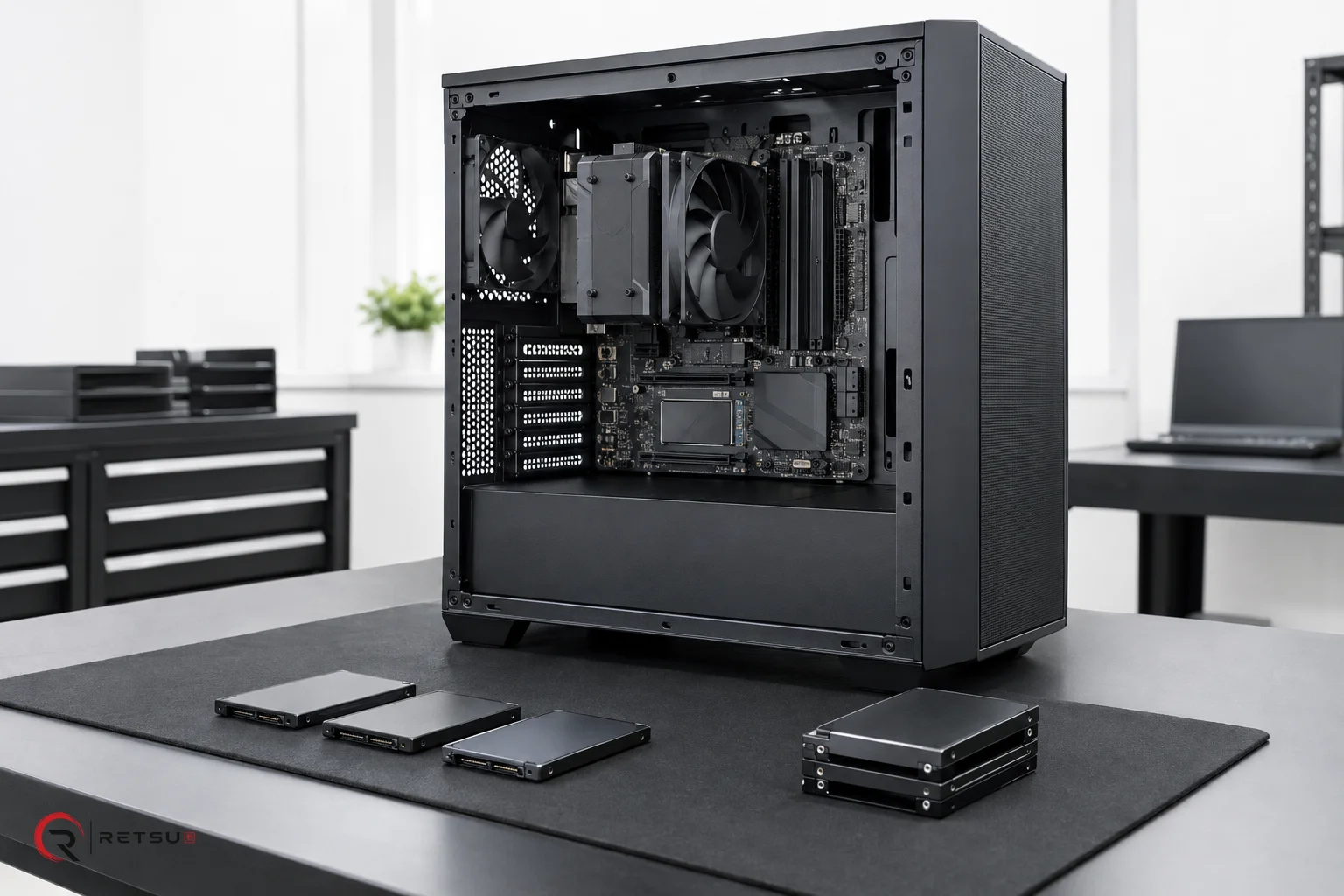
CPU stress testing is an important step during IT asset disposition and refurbishment. It helps uncover hardware issues that may not be obvious during routine checks, and forms a foundation for reliable device grading. In this article, you'll learn how to include CPU stress testing as a consistent part of your quality control workflow using Retsu Profiler for Windows. Having a well-defined approach increases the chances of identifying potential faults and provides thorough data on each device assessed by your team.
Understanding the Role of CPU Stress Testing
The CPU is a core component in every computing device, responsible for processing instructions and managing tasks. During ITAD and refurbishment, the health and stability of the CPU can affect the device's future reliability. Traditional diagnostics may indicate that a device powers on and runs basic functions, but only a focused stress test challenges the processor under sustained load. This approach helps reveal thermal throttling, unexpected shutdowns and other intermittent problems. Catching such issues protects downstream partners and customers from avoidable faults.
Integrating CPU stress testing in your diagnostic workflow supports a structured approach to quality control. It moves beyond 'power-on' tests, supporting decisions for grading, repair or component harvest. Stress testing also gives individual technicians clear, repeatable steps that contribute to a consistent end result across your entire operation.
Using Retsu Profiler for Repeatable Testing
Retsu Profiler for Windows is designed for effective hardware assessment, including CPU stress testing as part of a guided workflow. Profiler operates as a Windows executable and enables your team to:
- Capture device specifications
- Check hardware components
- Grade devices based on diagnostic outcomes
- Stress test CPUs and GPUs for configurable durations
- Log technician actions with PIN identification
- Send fully detailed reports to the central Retsu Portal
Profiler's 'Test All' feature brings technicians through each relevant hardware check for the device type under review. For CPU stress testing, the duration and criteria can be set by an account administrator, supporting consistency across benches and locations. Rather than relying on individual judgment for how long or how hard to test, your protocol defines the key parameters. This helps create a common standard, every time.
Building the Stress Test into a Broader Workflow
To make CPU stress testing a core part of your process, it’s helpful to establish a workflow that integrates Profiler at the right stage. Here’s a practical approach:
- Initial Intake: Receive and register devices in your inventory, connecting each record to the Retsu Portal.
- Preparation: Ensure devices are set up for bench diagnostics with suitable power and cooling.
- Profiler Testing: Launch Retsu Profiler on each device. Use the guided 'Test All' to include CPU stress testing, following your configured criteria.
- Evaluation: Review results immediately on screen. If Profiler logs any failures or thermal warnings, decide on further inspection, repair or triage.
- Reporting: Allow Profiler to pass all session data to the Retsu Portal, centralising hardware information and technician actions in one place.
- Grading: Use the diagnostic information, including CPU stability, to inform your resale, refurbishment or recycling decision.
This workflow links real-time assessment to digital records, reducing the risk of missed steps or incomplete data. Because Profiler logs action by specific technician PIN, you can also review activity if trends emerge, supporting training and process improvement.
Practical Tips for Effective CPU Stress Testing
To get reliable results, keep these practical steps in mind:
- Always check and clean system cooling before running stress tests, particularly if the device has seen extended use
- Monitor the test closely for signs of excessive temperature or immediate shutdown during the first trial runs after a process change
- Review stress test logs alongside other Profiler checks for a full device picture. Unexpected thermal spikes or instability warrant follow-up
- Set your stress test duration in Profiler’s account configuration so all technicians run consistent assessments
- Document remediation or additional findings in the Retsu Portal for traceability
Because Profiler ties test duration and criteria to device types, your workflow stays relevant whether you are processing desktops, laptops or specialist devices. Session time tracking helps estimate effort and plan future improvements.
Linking Diagnostics to Inventory and Commercial Decisions
The real power of including CPU stress testing comes from linking diagnostic data to your device inventory and commercial workflow. As Profiler passes reports to Portal, you centralise quality control results for every unit. This information supports decisions about resale channels, grading, or repair investment. If a test exposes repeat faults in a batch, you can quickly investigate upstream causes and adjust intake policies.
Integrated diagnostics mean less risk of mismatched or incomplete reporting. By keeping these records digital and central, you build a process that scales, no matter the size of your ITAD or refurbishment operation.
Making CPU stress testing part of your routine quality control helps raise your organisation’s standards and supports accountability in every project. Retsu Profiler brings structure to this process, with guided steps, actionable results and seamless connections to the wider Retsu platform. Ready to explore further? Discover more about Retsu Profiler for Windows and see how it can enhance your diagnostics workflow today.