
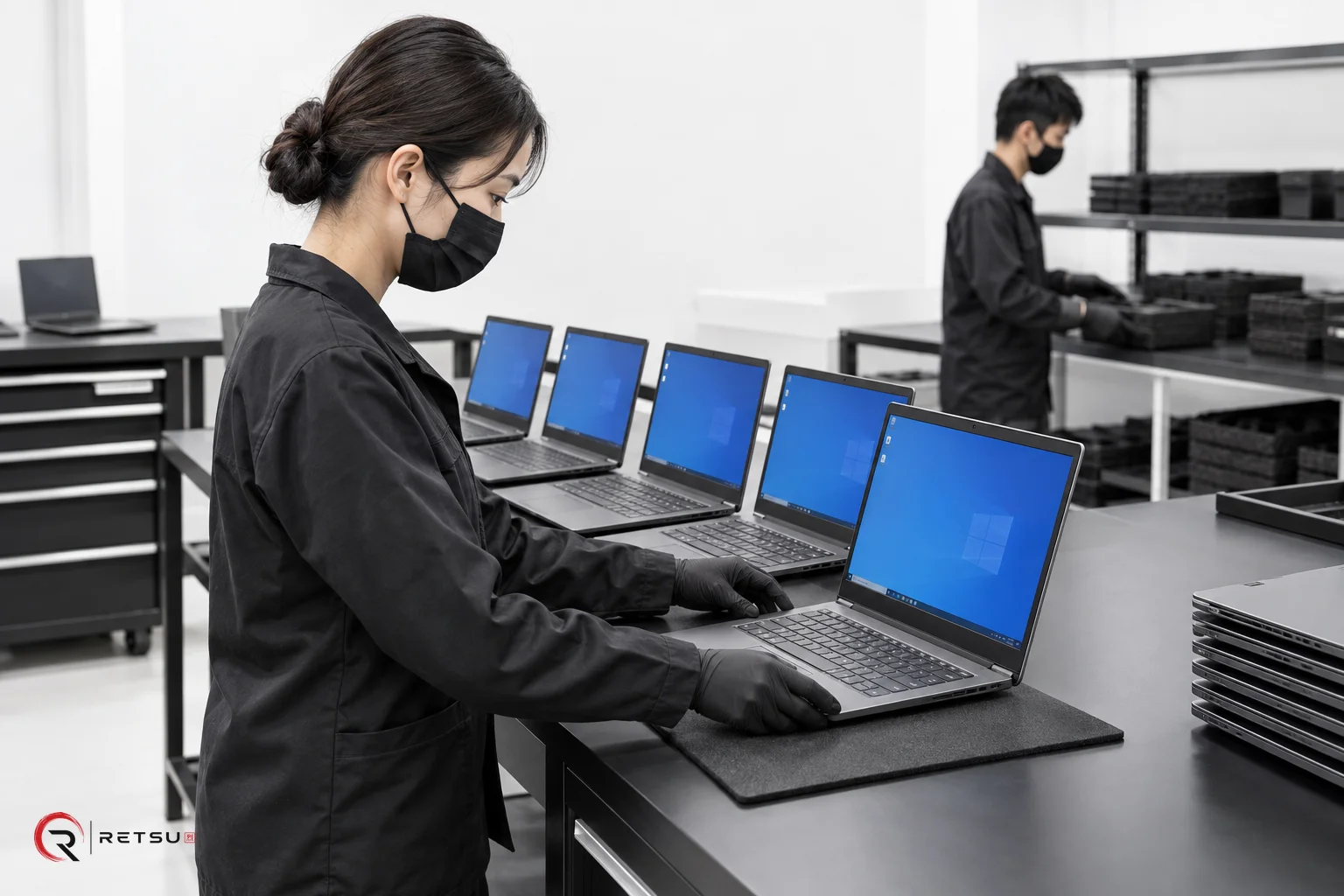
Driver installation is a crucial step in any IT asset disposition (ITAD) or computer refurbishment workflow. Without the correct drivers, devices cannot be tested properly or prepared for deployment. For teams managing a wide range of hardware, installing appropriate drivers is often a time-consuming process. Retsu Profiler offers straightforward support for driver installation, building it directly into the broader process of preparing each device for its next chapter.
Understanding Driver Installation in Refurbishment
Drivers enable the operating system to communicate with each hardware component—whether that’s audio, graphics, network or system features. Incomplete or incorrect driver sets lead to poor performance, missing features or failed tests down the line. Ensuring the right drivers are in place on every device is a foundation for effective hardware checks, grading and eventual handover, making this step a keystone of repeatable process quality. Retsu Profiler for Windows incorporates driver installation alongside other essential operations to help you manage this task in a connected, consistent manner.
How Retsu Profiler Handles Driver Installation
Within Retsu Profiler, the driver installation process forms part of a guided sequence. After launching Profiler as a Windows executable, technicians can lead each device through specification capture, device identification and driver setup. The workflow supports drivers as part of a joined-up sequence that also includes hardware checks, interactive grading steps, drive initialisation and curated software installation. This structure reduces friction and minimises the likelihood of missed steps or manual errors.
Specific benefits of using Retsu Profiler for driver installation include:
- Straightforward Interface: Profiler’s interface brings together hardware and driver data, prompting technicians as needed.
- Connected Checks: Device type selection informs which drivers and checks are relevant, ensuring each device receives appropriate treatment.
- Integrated Workflow: Reports—including driver status—are passed to the central Retsu Portal, maintaining a clear audit trail for every device processed.
Building Consistency and Accountability
Consistency in driver installation is critical for quality control and for providing accurate reports to customers or resale partners. Retsu Profiler helps technicians log their actions using operator PINs. Each session’s time and activities are recorded, helping track technician involvement and support process reviews later. This transparency supports not just technical quality, but also the operational accountability that refurbishment and ITAD clients increasingly expect from professional service providers.
Practical tips for integrating driver installation into your workflow:
- Allocate time for driver installation at an appropriate point in your checklist, before deeper hardware checks or stress testing.
- Use Profiler’s prompts to capture any manual steps, such as confirming successful driver setup or noting exceptions.
- Ensure technicians sign in with their PINs for full traceability of each workstation session.
- Review the completed report in Portal to verify driver installation was completed alongside other preparation activities.
Extending Beyond Driver Installation
While installing drivers is an essential milestone, device preparation rarely stops there. Profiler enables hardware checks, interactive tests (like keyboard or display), drive initialisation, and even stress testing of CPU, GPU or battery. Each test is linked back to the device record in Retsu Portal, so all information remains connected. Combining spec capture, driver installation and quality checks offers a simple, modular route to comprehensive device preparation—whether for resale, lease return or internal re-use.
By embedding driver installation in an integrated process, Retsu Profiler gives ITAD and refurbishment teams a straightforward, transparent way to keep quality up and interruptions down. If you’re looking to take the guesswork out of device setup and streamline your workflow from intake to test-ready, see how Retsu Profiler can fit into your operation. Explore more details and see example workflows at Retsu Profiler.