
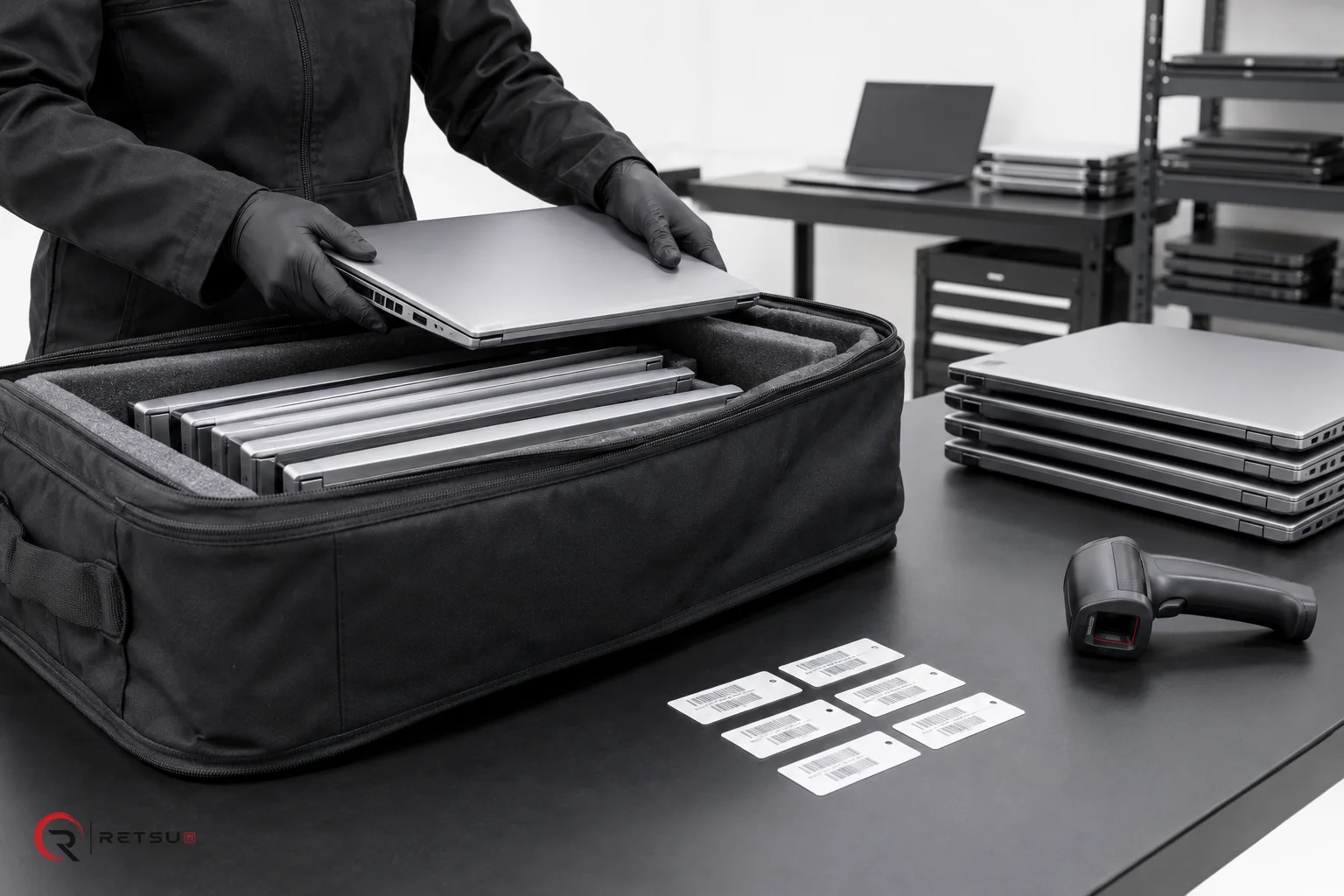
Client reporting is a vital part of day-to-day operations for ITAD and refurbishment teams. Clear, accurate reports reassure clients their assets are managed securely and professionally. But managing this process can be challenging if it sits outside core workflows. Building client reporting into the standard process brings transparency, accountability, and efficiency. Retsu Portal is designed to help organisations make client reporting part of the workflow from start to finish.
Why Client Reporting Matters in ITAD
Clients expect to know what happens to their assets as they pass through secure disposal, refurbishment, erasure, or resale. Regular client reporting is one way ITAD teams can demonstrate professionalism and build trust. This goes beyond simple status updates. Good reporting provides:
- Peace of mind for clients, knowing assets are handled to required standards
- Traceability for devices from arrival to exit
- Documentation of services completed, such as data erasure or repair
- Rapid answers to questions about specific devices, batches, or processing steps
The challenge is to make client reporting timely and accurate, without doubling the workload for busy teams. Embedding it into the workflow helps each technician and manager play their part without extra burden.
How Retsu Portal Supports Integrated Client Reporting
Retsu Portal offers tools designed for efficient client reporting within ITAD and refurbishment operations. When you manage inbound orders and collections in Portal, a digital record is established as soon as a device or batch arrives. Each action a technician takes is recorded alongside the device’s unique history. Here’s how you can set up client reporting with Retsu Portal:
- Connect device records to specific batches, orders, and clients
- Assign and track warehouse locations, so assets are always findable
- Record actions by named technicians, such as erasure or testing
- Document key milestones: asset arrival, audit, repair, erasure, resale, or return
- Use integrated reports for device status, batch progress, or overall account activity
This approach means client reporting is a natural outcome of regular workflow. As each stage is completed, Portal builds an audit-ready record for future reference or on-demand client queries.
Practical Workflow Example: Order to Client Report
To understand how client reporting can be built into daily practice, consider an example workflow supported by Retsu Portal:
- Asset Arrival: The team receives and scans devices on arrival, linking them to a consignment or order within Portal.
- Audit and Record Creation: Each device is checked, assigned a location, graded if relevant, and details are recorded in the system.
- Processing: As refurbishment, erasure, or repair steps occur, technicians record their activities and observations. Integration with erasure products passes results and certificates directly to each device’s record.
- Batch Progress Tracking: Portal updates batch-level progress, offering a clear overview of how many devices are complete, in process, or held for attention.
- Client Report Generation: Using Portal’s reports feature, a technician or manager can generate a client-ready summary, showing work completed, outstanding items, and key historical events. These reports can be reviewed before sending or exported for client-facing communication.
This workflow keeps all essential data together, reducing the need to search manual notes or duplicate effort in separate systems.
Ensuring Consistency and Reliability
Consistency in reporting helps clients feel informed and confident in your service. Retsu Portal makes it easier to apply standard processes for all clients, while still allowing custom notes or tailored reports for those with special requirements. Key strengths include:
- Automatic links between device history, test reports, and client records
- Centralised technician and audit tracking for every asset
- Easy retrieval of proof points, such as erasure certificates from integrated products
- Batch-level and device-level reporting options
This means reports draw from one accurate source of truth, reducing the risk of miscommunication or missing data.
Configuring Portal for Client-Facing Communication
Retsu Portal includes a client portal to share relevant data and progress updates. Teams can set this up so each client has access to tailored tracking of their devices, orders, or repairs. The main workflow benefits include:
- Fewer client queries about device location or stage in process
- Access to historical records and supporting evidence
- Simple management of returns, repairs, and sales orders
Clients who have access to their own portal can view live updates, which reduces inbound calls and builds a more professional service relationship.
Getting Started With Integrated Client Reporting
For teams looking to expand their client reporting or embed it more fully in standard operations, starting with Retsu Portal is straightforward. Begin by using it to record inbound orders, device audits, and key technician actions. Gradually, bring additional steps such as erasure logging, repairs, and returns into the same workflow. Over time, the system builds a comprehensive record, always ready for client review.
Explore more about how Retsu Portal can help your team make client reporting a seamless part of your ITAD or refurbishment services. Visit the Retsu Portal page to learn about features designed for clarity, transparency, and professionalism. See how integrated client reporting can support your workflow and build lasting client relationships.