
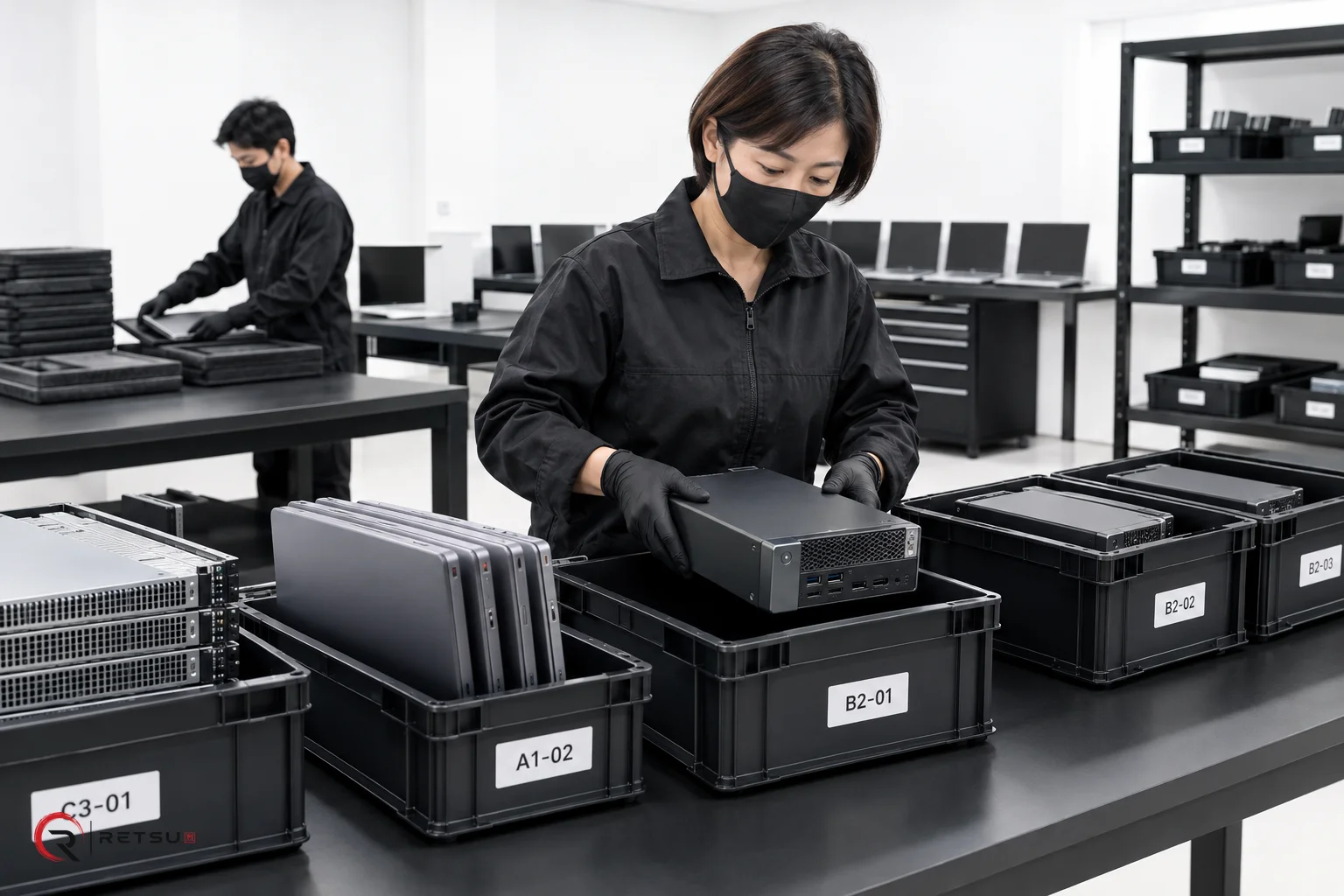
Why Warehouse Locations Matter in ITAD and Refurbishment
Warehouse locations play a central role in ITAD and refurbishment operations. In a busy facility, keeping thousands of devices traceable and accessible is essential for both technicians repairing equipment and sales teams selling finished stock. Retsu Portal offers a structured approach to warehouse locations, making it easier for all users to find, process and track devices through every stage of the workflow.
Warehouse locations in Retsu are much more than physical labels—they are part of a digital inventory record. By connecting location data to batches, repairs, and sales orders, Portal helps you maintain clarity every step of the way. When everyone knows exactly where each device is and who last handled it, simple questions—such as “Where is this laptop?” or “Is that server still in testing?”—become quick to answer.
Setting Up Warehouse Locations in Retsu Portal
The first step to making warehouse locations useful is to match digital location fields in Retsu Portal with real, practical zones in your physical warehouse. Start with broad areas, such as Inbound, Repair, Testing, Storage and Sales Dispatch. Then, break these down using rows, shelves, bins or racks that make sense for your space.
To set this up:
- Define clear, meaningful names for each zone and container—avoid duplicates and confusing abbreviations.
- Label physical spaces to match your digital setup, ensuring that technicians can easily update Portal records without second guessing the correct value.
- Train your team to update device records as soon as items move between locations. This is best done in Portal at the workstation or using a shared terminal onsite.
- Assign responsibility for location updates, especially for large moves such as receiving inbound batches or picking items for sales orders.
Consistency is vital. When every device movement is logged in Retsu, stray stock is minimised and audits become much simpler.
Device History: Connecting Technicians to Inventory
One of Portal's key features is maintaining a complete device history, including every warehouse location the device has occupied. This is particularly valuable for ITAD and refurbishment teams handling high volumes of equipment with strict chain-of-custody requirements.
Each move, repair, or change in status is stored in the system. Technicians can view previous actions, see exactly when a device was last transferred, and check who completed the last update. This is especially useful in cases where:
- A device needs further repair after testing, and must be traced back to its previous location.
- Sales teams receive queries about specific units and need to report their warehouse status accurately.
- Quality assurance teams wish to review how long devices spend in different stages of processing.
This level of transparency ensures parts and devices do not go missing, records remain consistent and users can collaborate smoothly across the organisation.
Empowering Sales Teams with Accurate Inventory Location
Warehouse locations are not just for workshop operations. Sales teams rely on accurate inventory records to promise correct stock availability and lead times to customers. With Retsu Portal, sales colleagues can see which devices are ready to ship, which are still being processed, and which units require additional steps before being sold. This cuts confusion and avoids accidental double selling or missed opportunities.
To help sales teams make the most of location data in Retsu Portal:
- Ensure all finished, tested inventory is quickly moved to dedicated "sales ready" locations in Portal, marking status accordingly.
- Record returns and warranty items with special locations, so returns handling is visible across the team.
- Use batch and order references to link specific devices to current or upcoming sales orders, making picking and dispatch faster and more accurate.
By structuring locations in this way, sales teams always have the information they need to answer queries, reserve stock and prioritise high-value orders.
Practical Workflow: Moving Devices from Arrival to Dispatch
Let’s walk through a typical device journey using Retsu Portal:
- Arrival: New IT assets are received, assigned to the 'Inbound' location and logged as a batch in Portal, with serial numbers and initial inspection data.
- Preparation: Devices move to the 'Testing' or 'Repair' zone. Technicians update the location field in Retsu for each item. All repair actions and erasure reports sync to the device record.
- Storage: Once tested and data erased, items shift to 'Sales Storage'. The move is logged, so sales and logistics teams know the device is ready.
- Sales Dispatch: Upon order placement, devices are picked by reference and moved to a 'Dispatch' location. Technicians acknowledge the move in Portal, and the sale is recorded.
At every stage, the device’s location is instantly visible to any authorised user. This helps avoid lost stock and ensures a swift audit trail.
Reviewing Activity and Audit Trails in Retsu Portal
Every user action relating to warehouse locations is tracked in Retsu Portal. Managers can review location changes, identify bottlenecks and follow up on delay points in the workflow. The complete activity trail can be a valuable part of process review and improvement across ITAD and refurbishment operations.
Technicians can quickly find answers to everyday questions, while leaders gain confidence in both security and workflow transparency. With this approach, Retsu turns warehouse location tracking into a practical tool for problem solving, planning and better service delivery.
Ready to explore how connected warehouse locations can benefit your operations? Visit the Retsu Portal page to discover more features and practical benefits for your team.