
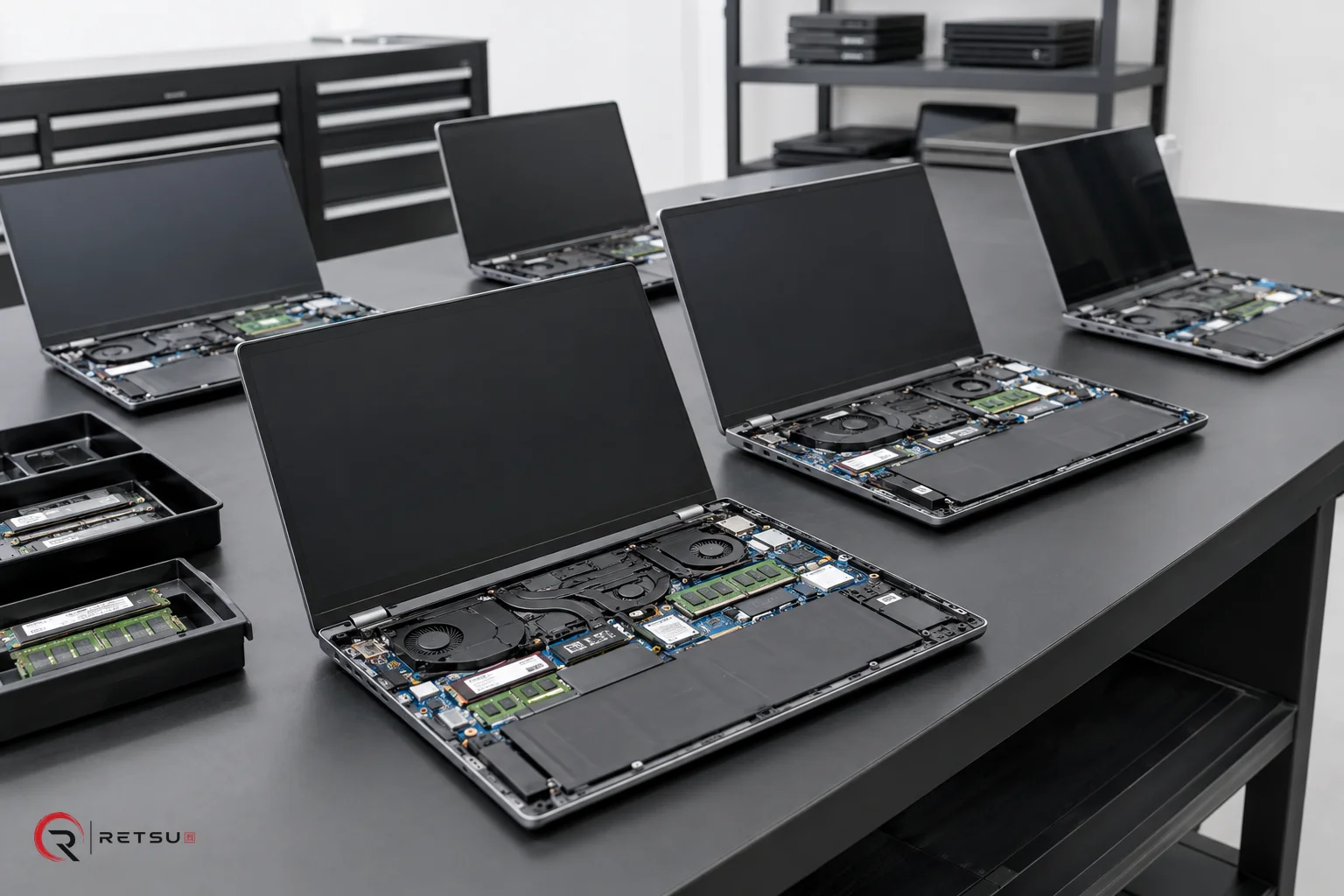
Refurbished Laptop Testing: Build a Reliable Workflow
Refurbished laptop testing is a core process for IT asset disposition (ITAD) and refurbishment teams aiming to deliver quality devices to next users. With growing demand for reliable second-life hardware, consistent testing not only helps ensure working systems but also builds trust and supports traceability. Systematic testing, grading and pre-sale preparation contribute to streamlined operations, reduce rework, and help organisations maintain valuable records for every device. In this article, we will break down a comprehensive testing checklist for refurbished laptops, drawing on best practices supported by Retsu Profiler’s integrated workflow.
Step 1: Capture Device Specifications and Context
Understanding the laptop’s specifications is the foundation of smart testing. Before any diagnostics begin, record the key details: make, model, serial number, CPU, RAM, storage and any discreet graphics capability. This step forms a baseline for both functional checks and audit records. Solutions like Retsu Profiler automate system information capture at the outset, removing the need for manual inventory entry and reducing the potential for human error. Having this automatic device profiling not only saves time, it ensures that each subsequent check is matched to the specific hardware type, which is especially useful when handling a diverse range of models.
- Record brand, model, and serial number
- Capture hardware configuration (CPU, RAM, storage, GPU)
- Document asset tag or barcode (if present)
- Log any visible external features that may need extra attention
Step 2: Functional Hardware Checks and Automation
Once the device profile is set, hardware diagnostics form the next key stage of refurbished laptop testing. Retsu Profiler helps automate many of these processes to ensure coverage and consistency, but also supports guided interactive checks where technician input is still valuable. Here’s a summary of essential functional tests supported in a typical workflow:
- CPU and memory tests: Automated system load/stress routines test primary hardware stability. Account-configured durations in Retsu Profiler allow tailored stress levels based on required assurance.
- Storage diagnostics: Retsu Profiler can initialise drives and check SMART diagnostics to flag drive health, capacity and errors.
- Battery test (for laptops): Profiler’s stress routines evaluate charging and battery drain, helping to identify units needing battery replacement or further inspection.
- Display and GPU check: Automated detection of graphics chips, screen resolution and video playback contribute to a rapid visual health review. Any detected faults can be flagged for further manual grading.
- USB, audio, webcam and network: These subcomponents may be tested automatically where possible, or through guided manual routines prompted by Profiler’s workflow.
Interactive steps, such as keyboard, touchpad and touchscreen tests, allow technicians to directly validate inputs and highlight physical issues early in the process. Technician PIN entry and session timing in Retsu Profiler help maintain accountability and traceability during testing.
Step 3: Cosmetic Grading and External Review
While internal function is crucial, cosmetic grading gives buyers a clear sense of device condition and value. Visual checks can be guided in a checklist format, usually involving:
- Inspecting screens for scratches, dead pixels or pressure marks
- Checking keyboard, touchpad and casing for visible damage or excessive wear
- Reviewing hinges, chassis and port covers for physical integrity
Many teams assign a simple grade (such as A/B/C or numeric scale) to help downstream operators or customers understand the cosmetic state at a glance. Retsu Profiler supports assigning grades within each session, linking this data to the full test record so that any follow-up, such as repair or discounting, is based on robust evidence.
Step 4: Software Preparation and Installation
With hardware and cosmetic checks complete, the next stage is software provisioning. This includes installing or verifying supported drivers, basic utilities, and security updates, so that each device boots cleanly and delivers a consistent user experience. Profiler can apply curated software installation workflows, streamlining this step by installing required software packages and relevant drivers for each specific hardware model. This helps teams avoid overlooked installations and ensures a smooth user experience straight out of the box.
It’s good practice to review the boot behaviour, ensure recovery partitions (if required) are in place, and confirm that all installed drivers are active with no unresolved device manager errors. Profiler flags pending driver issues and assists with completion. For ITAD teams handling sensitive data, this stage may also include verification that data-bearing drives have been securely wiped or replaced, in line with established data erasure practices.
Step 5: Reporting, Traceability and Handover
Traceability is a growing focus for refurbished laptop testing, especially where downstream auditing or regulatory needs exist. Retsu Profiler automatically generates test reports that flow into Retsu Portal, recording not only device results but also technician identifiers and session durations for each tested laptop. These reports can be seamlessly tied to inventory and sale records, making audit trails easy to maintain and share with internal or external stakeholders.
- Generate test report at point of testing
- Link reports directly to the device record in Retsu Portal
- Use reports for internal review, compliance validation or as part of resale documentation
Having an integrated end-to-end record means teams remain audit-ready and can quickly respond to queries about device provenance or testing history at any stage.
Bringing the Checklist Together With Retsu Profiler
Applying a practical refurbished laptop testing checklist improves quality, builds trust, and enhances operational efficiency. Retsu Profiler combines automation, technician-guided checks and streamlined reporting in one tool, making this checklist not just a standards recommendation but a smoothly integrated workflow. For teams looking to simplify, trace and standardise laptop refurbishment and diagnostics, discover more about Retsu Profiler and explore the possibilities in your own process.