
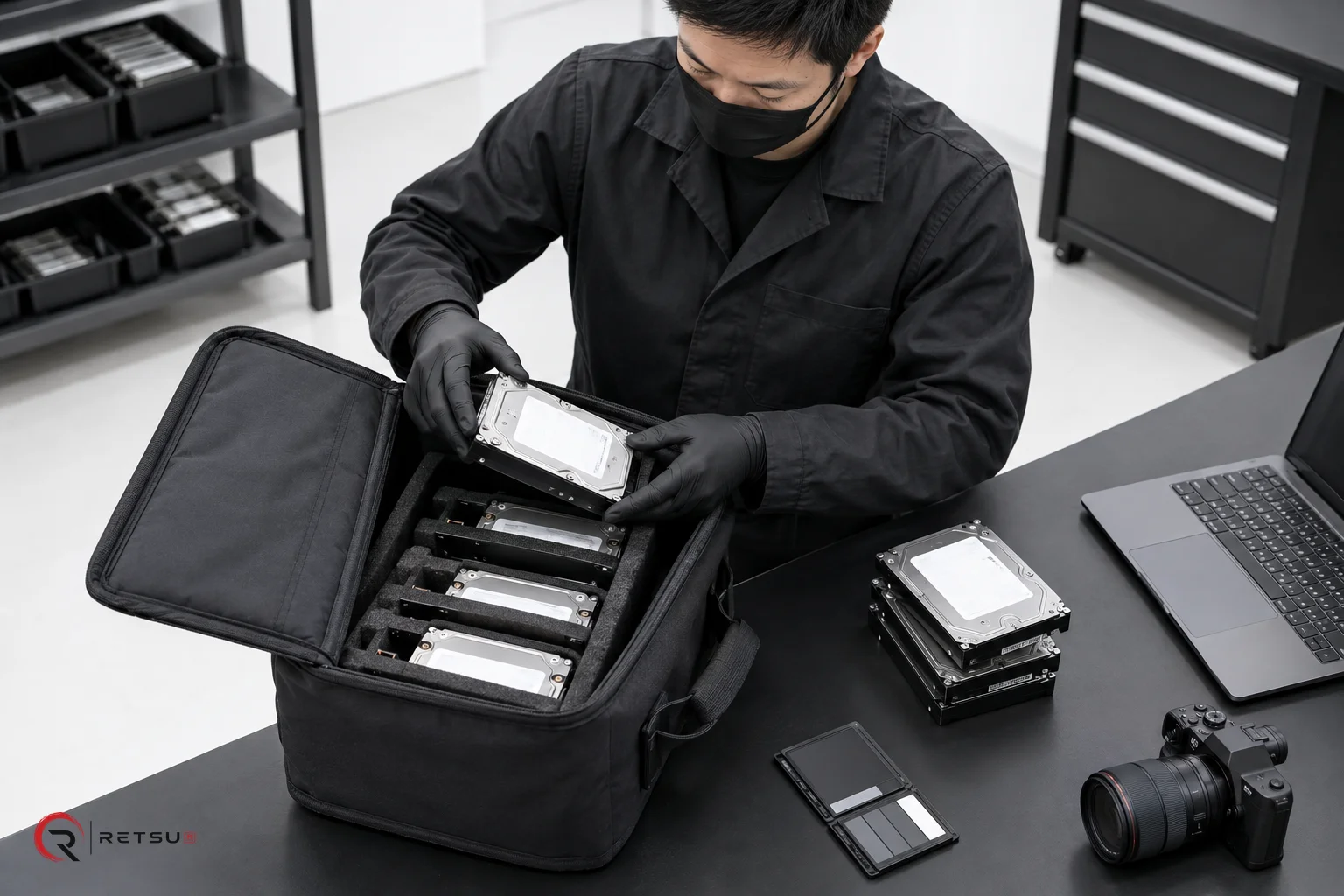
High-quality product photography makes a real difference when listing refurbished IT equipment for resale. Buyers want to see clear, consistent images to evaluate condition and trust your listings. For IT asset disposition (ITAD) and refurbishment businesses tackling diverse devices, achieving this consistency at scale is a practical challenge. That is where the product photography workflow in Retsu Portal’s ProCut can make a difference.
Why Consistency Matters in Product Photography
Consistent product photos help your listings stand out, support accurate grading, and make it faster for buyers to compare devices. Without consistency, your catalogue may end up with varied backgrounds, lighting, or framing. This confuses buyers and can make your business appear less professional.
For ITAD and refurbishment teams, the variety of devices and fast pace of throughput mean it’s difficult to maintain these standards manually. Teams may not always have access to the same photo booth, lighting, or even camera settings. As your operation scales, it becomes even more challenging to keep every product photo on-brand.
How ProCut Streamlines the Photography Workflow
ProCut, part of Retsu Portal, is a browser-based product image editor designed for IT refurbishers and ITAD teams. It helps you prepare product photography that is both accurate and consistent across all devices you sell.
The ProCut workflow creates efficiency at several stages:
- Central management: Work with device records, inventory and images in a connected browser platform.
- AI background removal: Cut out distracting backgrounds in a single click, allowing product shots to appear uniform without complex manual editing.
- In-browser editing: Edit and crop photos directly in Portal, without the need for switching between applications or downloading extra software.
- Consistent output: Apply the same style across product photography, from lighting correction to standardised aspect ratios and backdrop shades.
- Reliable integration: Use ProCut alongside your Retsu suite, with easy linkage to device records and commercial workflows.
Because ProCut works inside Portal, it helps avoid duplicate entry. You can connect photographs directly to product records and reuse them wherever needed throughout the sales process.
Practical Steps for Preparing Consistent Imagery
Getting started with ProCut does not require a full photography studio. Here is a simple, practical workflow you might use in your own team:
- Capture photos of your device: Place each item on a clean, neutral surface. Use your preferred camera or even a modern smartphone. Aim for an even light source to reduce shadows.
- Upload images to Portal: Add photos to the relevant device record directly through the Portal interface.
- Open ProCut’s image editor: Use the browser-based tools to crop, rotate, and fine-tune your image.
- Apply AI background removal: With a single click, remove the original background and replace it with a consistent shade or your preferred neutral colour. This ensures every device looks professional, regardless of how or where the photo was taken.
- Adjust for clarity: Brighten, adjust contrast, or sharpen as needed so that cosmetic details are visible and true to the actual condition.
- Review and save: Check that the edited image accurately represents the device before saving. Ensure that illustrations do not misrepresent condition or contents, in line with best practices.
- Attach to listings: Use the edited images for sales platforms, catalogues or internal records directly from Portal.
These steps help create a repeatable workflow that any team member can use, reducing the need for specialised editing skills. By bringing editing in-browser with AI tools, your operation can standardise imagery without slowing down production or needing advanced design software.
Connecting Photos to Your Wider Device Records
Consistency in product photography extends beyond just the look of your images. By keeping photos attached to device records inside Retsu Portal, you streamline the path from testing and grading to sale. Images flow through your workflow, staying with the correct inventory item, and becoming part of the complete product documentation that buyers and auditors can trust.
Integration between testing, erasure, and product listing tools in Retsu helps minimise data duplication. It also simplifies end-of-line checks. Supervisors can quickly scan product photos alongside reports and grading before approving listings, from within a single browser window.
Key Benefits of ProCut for ITAD and Refurbishment Teams
Adopting a dedicated workflow for product photography offers several practical advantages:
- Improved trust: Buyers can easily verify the actual device condition, building confidence in your operation.
- Faster listing: With images already linked and consistently edited, creating new product listings becomes more efficient and repeatable.
- Scalability: As your volume grows, teams across multiple locations can use the same process, helping maintain consistent quality standards.
- Reduced errors: Fewer steps and less switching between tools means less risk of uploading the wrong photo or missing key cosmetic details.
- Audit-ready documentation: Linking photos with device records ensures all visual and technical details are preserved for compliance and review.
With ProCut, you can focus more time on device preparation and less on image editing logistics.
Explore ProCut in Retsu Portal
Consistent product photography helps ITAD and refurbishment businesses present a professional, trustworthy image in the marketplace. ProCut in Retsu Portal combines AI-powered editing with practical workflows tailored to the realities of device remarketing. To see how ProCut can support your team’s efficiency and image quality, visit the ProCut information page and explore its features in detail.