In the busy world of ITAD and refurbishment, handling inbound orders efficiently is crucial. Devices must be tracked from their initial order right through to arrival at the warehouse. Retsu Portal offers an integrated workflow that helps teams reconcile arriving devices against orders, ensuring that nothing is lost or misplaced and that records stay in sync with physical inventory.
Capturing Inbound Orders in Retsu Portal
The process starts by entering or importing inbound orders into Retsu Portal. Whether you are working directly with corporate clients or processing assets from multiple sources, Portal lets you record essential order details: client, expected items, quantities, and any specific batch or collection notes. Each inbound order lives in Portal as a record, linked to the relevant client and warehouse location. This structure builds traceability from the first interaction, making it easy to track where assets are coming from and where they should go upon arrival.
- Create or import inbound orders with client and batch details
- Assign to warehouse locations or temporary holding areas
- Add notes for special instructions or checks needed upon arrival
Checking Devices Against Orders at Arrival
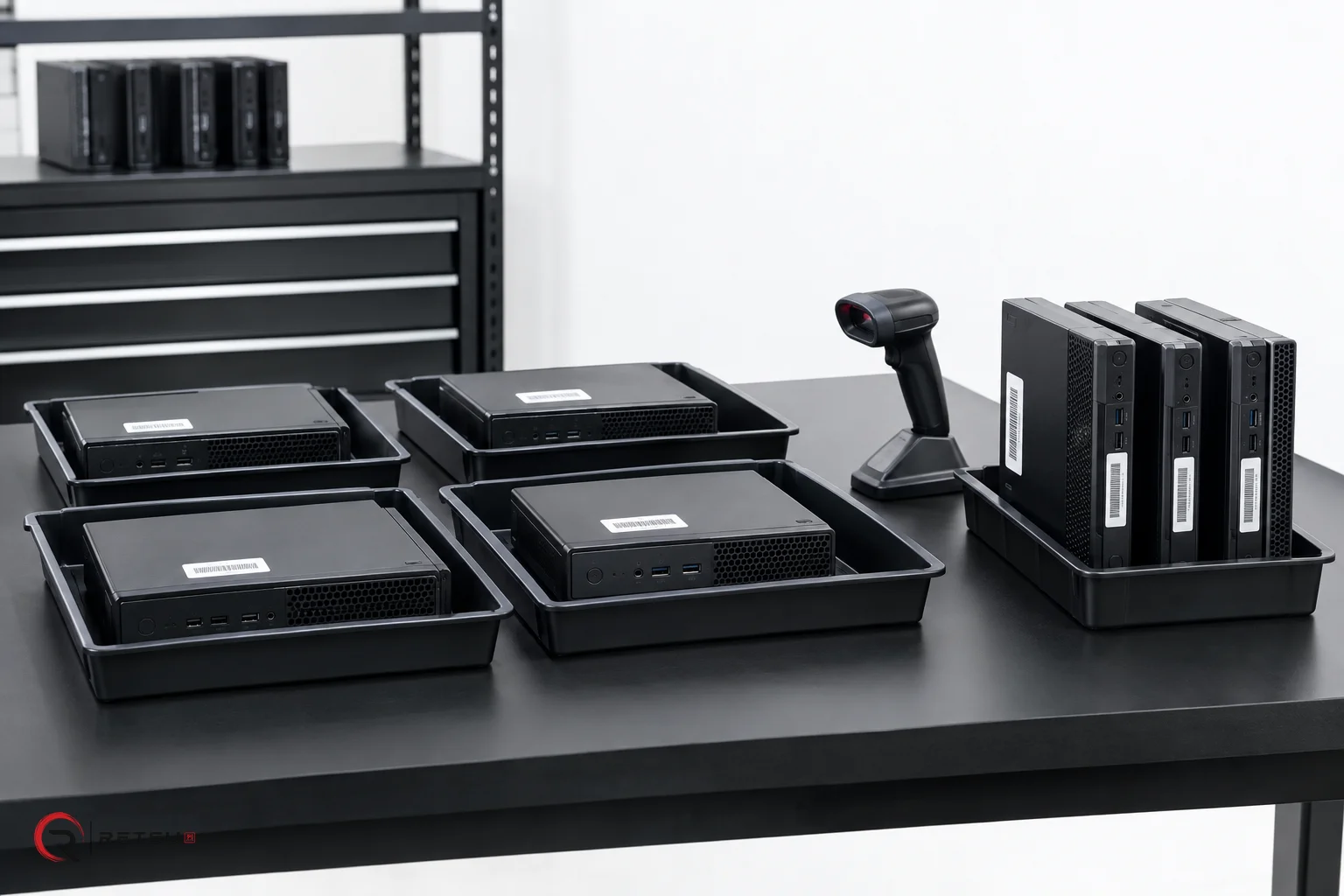
When pallets or individual devices arrive, warehouse staff can use Retsu Portal to check items off against each recorded order. This can be done by matching serial numbers, asset tags or other unique identifiers. Device records are created or updated as items are logged in, so discrepancies can be quickly spotted and addressed. If items are missing or damaged, notes and supporting evidence can be added directly to the record, maintaining a clear audit trail.
- Scan or enter serial numbers to match arriving devices with orders
- Log exceptions or discrepancies with notes and supporting details
- Update inventory and status in real time as reconciliation proceeds
Maintaining Inventory Accuracy With Batches and Locations
As devices are checked in, Portal allows staff to assign them to batches and precise warehouse locations. These assignments help keep physical inventory in sync with order records and allow for quick retrieval during refurbishment, testing, or resale preparation. Each update is timestamped with the responsible technician’s name, providing accountability and a transparent record of each movement or status change.
- Assign arriving assets to specific batches for easy tracking
- Use warehouse location records to support efficient storage and retrieval
- Maintain full device history with technician and audit information
Linking Orders, Device History, and Adjustments
Retsu Portal ensures that orders and physical arrivals stay tightly connected throughout the asset lifecycle. Device entry and adjustment events flow into the device history, supporting later processes such as testing, erasure, repairs or resale. If device details are enriched later with erasure or profiling results, these are automatically linked back to the original inbound order and arrival record. The full device history, including warehouse movements and technician actions, remains available in one place for future reference or customer inquiries.
- Connect erasure and profiling evidence with the original order record
- Keep a full audit trail of every device from arrival to disposition
- Enable clear reporting for clients and internal teams alike
Get Started With Retsu Portal for Inbound Order Reconciliation
Retsu Portal makes inbound order reconciliation precise, auditable and practical for ITAD and refurbishment teams. By centralising orders, arrivals, inventory and device history, Portal supports a connected and accountable workflow at every stage.
See how your team can streamline inbound orders with Retsu Portal today. Explore the full platform and start connecting your warehouse operations from order to completion.