
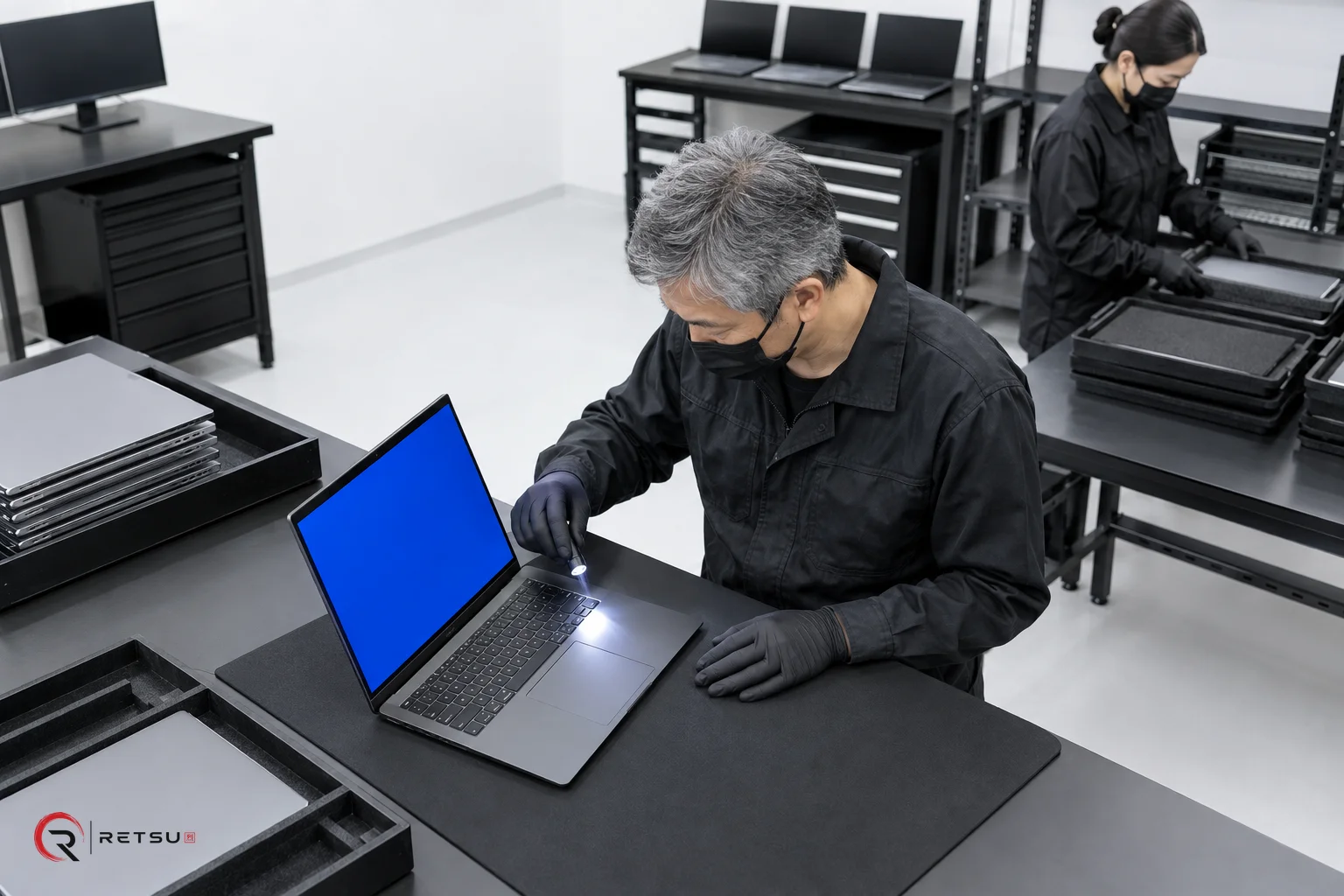
Display testing is an essential part of ITAD and device refurbishment. Ensuring that screens are bright, clear and free from defects is just as important as verifying internal hardware. Alongside these functional checks, capturing cosmetic observations helps ensure every device is accurately graded, both for internal quality control and resale listings. Retsu Profiler for Windows brings these two streams together by supporting both technical display testing and structured cosmetic grading in connected workflows.
Why Display Testing Matters in Refurbishment
Displays are among the most visible components of any computer or laptop. Dead pixels, lines, uneven backlight or other visual issues can be immediately spotted by buyers and often dictate resale value. Reliable display testing can catch obvious faults, but integrating this with digital record-keeping ensures consistency and traceability.
- Quality Assurance: Early identification of issues prevents devices with faulty displays entering the sales pipeline.
- Transparency: Recorded checks give buyers and resellers confidence in the refurbishment process.
- Grading: Consistent recording of findings supports standardised cosmetic and functional grading.
Integrating Visual Checks and Functional Display Testing
With Retsu Profiler, display testing is incorporated directly into the device assessment workflow. Once started, the technician performs a guided sequence of tests suitable for the device type. For laptops and desktops, these include display checks for:
- Uniform backlight and consistent brightness
- Presence of dead or stuck pixels (using full-screen colour sweeps)
- Response to input (touchscreen functionality, if relevant)
- Screen flicker, lines, or colour distortion
Whenever a technician observes a display anomaly, they can record it directly in the Profiler session. These findings become part of the device history, available for review in Retsu Portal. This recording process ensures that every device receives the same baseline checks, while permitting additional notes for unique issues.
Adding Cosmetic Observations to Device Records
Cosmetic grading in refurbishment and ITAD is about more than checking screens for technical faults. Devices are also inspected for scratches, dents, worn areas and other signs of use, all of which influence resale condition. Retsu Profiler includes steps for structured cosmetic observation entry:
- Touchpoint Grading: Specific fields guide technicians to check areas such as the bezel, back cover and display surface.
- Incident Recording: Any observed marks, discolourations or pressure spots can be described and tagged.
- Grade Assignment: Teams can choose or configure standard grades (for example, A/B/C), supporting consistency between sessions and technicians.
By integrating these cosmetic grading steps with technical display testing, Profiler supports unified device records that cover both function and appearance. This reduces the risk that either aspect is forgotten or inconsistently applied across batches.
Practical Tips for Consistent Display and Cosmetic Testing
- Use high-quality, bright lighting at workbenches. This makes pixel anomalies and small cosmetic marks easier to spot.
- Standardise workflow steps across teams. With Retsu Profiler, ensure custom notes and device type settings remain aligned to your business’s definitions.
- Capture photographs of unique cosmetic findings if required for particular sales channels. While Profiler is text-based, integrating the resulting records with image management in Retsu Portal can tie photos to notes for reference.
- Remind technicians to run through interactive tests as prompted, such as keyboard or touchscreen exercises. These steps confirm more than basic screen power-on.
- Document even minor blemishes. Small issues may not warrant a lower grade, but having them in the records supports transparency downstream.
Connecting Display Results to the Broader Workflow
One of the advantages of using Retsu Profiler for display testing is seamless integration with other diagnostic and workflow tools. Each display test result and cosmetic observation is attributed to a technician, whose name is linked to the session through a secure PIN. Session times are also logged, creating a transparent record of who tested which devices and when.
- Portal Integration: Display and cosmetic records are automatically pushed to Retsu Portal at the end of the session.
- Workflow Coordination: Commercial, inventory and sales teams can reference these findings directly without additional data entry.
- Device History: If a device is re-tested or revisited, previous display and cosmetic notes are available within its Portal record.
This approach allows teams to resolve queries quickly, follow up on ambiguous grading or link customer returns to specific tested issues.
Exploring Retsu Profiler for Your Team
Retsu Profiler for Windows supports both technical and cosmetic checks in a unified workflow, helping ITAD and refurbishment teams record accurate, actionable device information. By bringing display testing and cosmetic observations together in one place, teams can achieve smoother operations and higher confidence in resale condition. To explore how Profiler can fit into your workflow, learn more about Retsu Profiler here and discover its place within the Retsu suite.