Why PXE Testing Matters in ITAD and Refurbishment
Managing high volumes of laptops, desktops or servers for IT asset disposition (ITAD) and refurbishment means each bench needs efficient, scalable preparation. PXE testing provides a powerful way to boot and test many devices over the network, eliminating manual media handling and allowing for centralised control. With Retsu Erasure, PXE testing fits neatly into an automated, traceable bench workflow that is easily scaled for any operation.
Whether you are processing dozens or hundreds of devices a day, network-based automation can save time and assure consistency. By integrating PXE testing in your bench setup, your team can quickly profile, erase and report on devices without repetitive USB swapping or manual boot interventions.
Getting Started with PXE Testing on Retsu Erasure
PXE, or Preboot Execution Environment, enables computers to boot up using a network interface, rather than local storage or removable media. In the Retsu Erasure suite, PXE is used to deliver a dedicated Linux environment directly to your devices, allowing for immediate profiling, hardware testing, and secure data erasure.
- First, set up your PXE server with the required Retsu Erasure image. This process typically involves using widely available network infrastructure and basic configuration to ensure devices can find and boot to the Retsu environment.
- Next, configure your network switches and DHCP settings to enable PXE booting. Each device connected to the bench should be able to boot from the network.
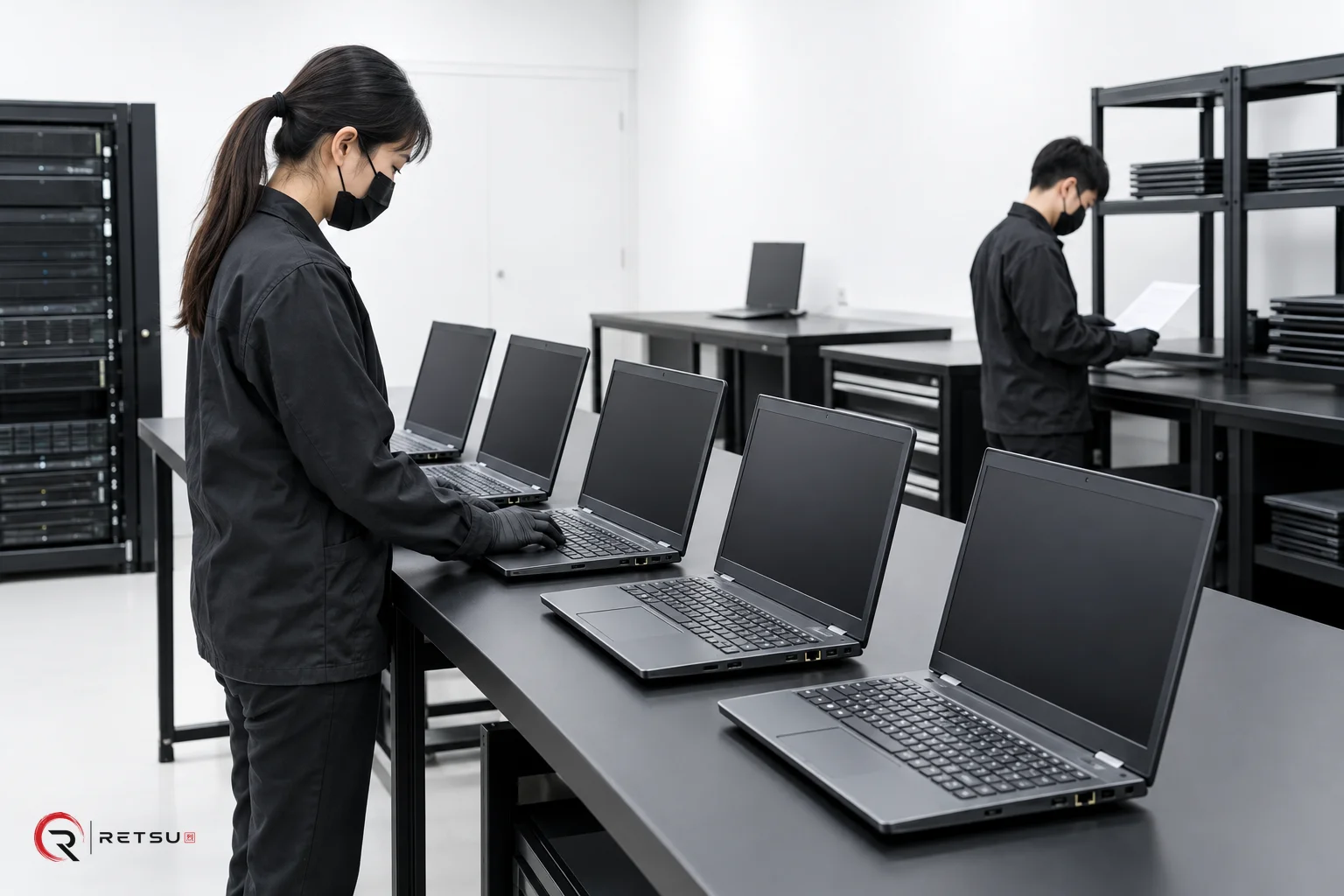
- Finally, align your bench layout for easy network access. Some ITAD operations use cart systems or dedicated racks, while others run several benches in parallel. With PXE, any workstation connected to your internal network can become part of the automated workflow.
Using PXE removes the need to manage, distribute and track dozens of USB sticks or boot drives. The bench preparation process becomes both cleaner and logistically simpler.
Automating Bench Preparation with Configurable Workflows
Retsu Erasure workflows allow you to sequence tasks automatically, such as profiling, hardware diagnostics, secure erasure, imaging, and even Windows installation on supported devices. By deploying these workflows via PXE, every device follows the same tested sequence with minimal manual intervention.
- Automated profiling records basic device details, helping you track each asset from the moment it arrives in your workspace.
- Applicable hardware tests are performed as part of the workflow, confirming that devices meet your quality standards for refurbishment or resale.
- Secure data erasure happens right after profiling and testing, following your chosen methods and policies.
- Optional features in Retsu Erasure mean you can include actions like submitting reports to the Retsu Portal, imaging devices for Windows deployment, or shutting down automatically after workflows complete. This offloads repetitive tasks from technicians and maintains consistency.
Each workflow is easy to adjust, so you can tailor steps to the needs of specific device types or client requirements. PXE makes it possible to run these workflows on multiple devices at once, rather than handling each machine individually.
Monitoring Device Progress and Reporting
Retsu Erasure integrates with Retsu Portal, providing seamless tracking of devices across benches. After devices are tested and erased, outcomes and reports are uploaded automatically. This creates a continuous and auditable record of every asset processed.
- Bench technicians can see at a glance which devices have completed workflows, which need attention, and which are ready for the next stage (such as refurbishment or imaging).
- Progress reports make handover between shifts or teams straightforward. No need for paper logs or manual data entry.
- Your workflow data is centralised. From arrival through erasure, every device’s status and results are visible in Portal, helping with inventory management and planning.
This systematic reporting is particularly valuable for larger teams, third-party audits and when preparing compliance records for your ITAD services.
Optimising Your ITAD Benches for Scale
Scaling up your bench preparation with PXE testing means thinking ahead about infrastructure and layout. Here are key steps:
- Ensure network bandwidth and switch port availability match your peak processing volumes. PXE deployments work best on stable internal networks with enough port density.
- Standardise cabling and workstation setup. With fewer removable drives, there is less clutter and fewer failure points on the bench.
- Map out your Retsu Erasure workflow in advance. Test sequences for your most common device types, and continuously improve based on results and technician feedback.
- Combine PXE workflows with label printing, tracking, and asset management in Retsu Portal for end-to-end visibility.
As you refine these steps, your team can process more devices simultaneously and spend less time on repetitive manual stages. Continuous integration of feedback and small adjustments to workflows will yield the best long-term scalability results.
Why Choose PXE Testing with Retsu Erasure?
For ITAD and refurbishment teams, PXE testing in Retsu Erasure offers a modern approach to scale up device processing. It minimises manual handling, increases efficiency and provides traceable, consistent results across every bench. Combining workflow automation with flexible, network-based boot and integration into the Retsu Portal makes the whole preparation cycle more manageable at scale.
If you are interested in how PXE testing can streamline your device processing, explore Retsu Erasure and see how it can help your team work more efficiently, today and as you grow.