
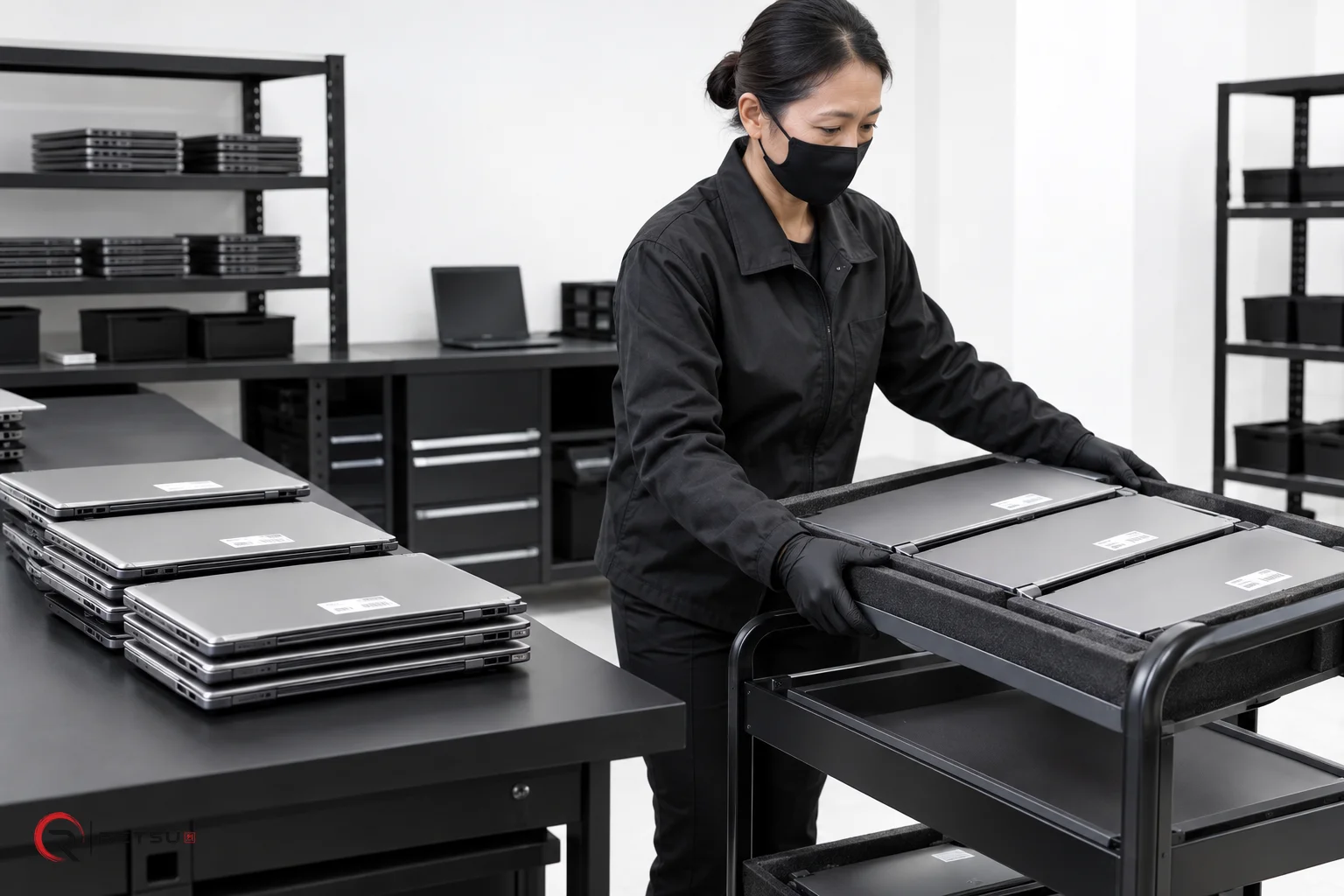
In ITAD and device refurbishment environments, teams often handle groups of devices coming from the same client, order or collection. Tracking each item individually is important, but without effective grouping, projects can become difficult to manage, especially when large volumes are involved. Retsu Portal addresses this challenge using device batches, helping teams keep refurbishment organised and efficient from arrival to sale. In this article, we explain how device batches work in Retsu Portal, their benefits, and practical steps for using them across refurbishment workflows.
Getting Started: What Are Device Batches?
Device batches are groups of devices that share a common workflow, collection, or job. In Retsu Portal, batches let you manage multiple items as a unit, while still recording individual device information. This structure is useful for handling inbound orders, jobs from a specific client, or devices scheduled for the same refurbishment processes. With clear batch records, you can quickly understand the scope of any project, keep items together across different workflow stages, and simplify reporting for clients and internal teams.
- Consistent tracking: Each device remains traceable within its batch through the whole process.
- Workflow clarity: Batches make it easy to see where devices are, and what comes next.
- Reporting ease: Need to provide a progress update or final report for a group? Batches simplify this task.
Creating and Managing Device Batches in Retsu Portal
Setting up a batch in Retsu Portal begins when devices arrive for processing. Whether you are logging an inbound collection, receiving a client order, or preparing a shipment for refurbishment, grouping devices as a batch ensures their shared context is never lost. Here is how you can use Portal to manage batches:
- Batch creation: When registering new inventory, assign items to a new or existing batch. This can reflect a shipment, a scheduled client return, or a job ticket.
- Batch identification: Each batch receives a unique identifier, shown throughout the Portal to keep devices grouped clearly.
- Bulk actions: Apply common workflow steps to all devices in a batch. For example, set their location, update status, or attach job notes in one action.
- Batch views: Use Portal’s batch filters to see all related devices together. Quickly review batch status, device counts, and workflow progress at a glance.
- Audit trails: Every device keeps its complete individual history. Portal also records technician and audit events at the batch level, providing a full picture for compliance or quality checks.
This approach lets teams move confidently from intake to refurbishment, repairs and on to sales or return, always keeping related devices linked and easy to track.
Connecting Device Batches to the Wider Refurbishment Workflow
Device batches in Retsu Portal are not isolated lists. They connect to many other features that keep refurbishment work running smoothly:
- Inbound orders and collections: Link batches to client orders or physical collections to maintain a clear chain of custody from arrival.
- Warehouse locations: Assign whole batches to specific warehouse bays or racks, streamlining picking for testing or shipping.
- Repairs and processing: Track which batches are undergoing specific testing or repair steps for workload planning.
- Sales orders and returns: When devices move from refurbishment to outbound sales or client return, batches keep records easy to find and manage.
Because batch details remain visible throughout the Portal, both technicians and office teams can update, search and report on groups without losing control of individual records. This reduces confusion and keeps everyone aligned even during large, fast-moving projects.
Practical Examples: How Batches Make Refurbishment Smoother
To see how batches work in real life, consider a few common refurbishment scenarios:
- Example 1: A client returns a pallet containing 30 laptops. Rather than entering them one by one in isolation, you create a batch linked to the client return order. As the devices move through erasure, testing and cleaning, their progress is tracked in one place. Your team can update the whole batch status when needed, yet still check each laptop’s technical record individually.
- Example 2: A high-volume retail return includes several different device types. Each group of items is batched during logging. As repairs are completed, technicians update statuses for the relevant batches, allowing supervisors and sales teams to track overall readiness for resale without sorting device lists manually.
- Example 3: You prepare a shipment of refurbished desktops for an education contract. The devices are assigned to a sales order batch in Portal. Packing, shipping and final reporting are managed with batch tools, giving clear oversight and an audit trail for both client visibility and internal quality assurance.
Reporting and Quality Control with Device Batches
Device batches also help improve quality control and reporting. Portal’s batch features make it possible to:
- Run performance or test result summaries on all devices within a batch.
- Share batch-level reports with clients, keeping documentation tidy and contextual.
- Review all technician actions performed on the batch and its devices, helping track responsibility and trace process steps in detail.
This contributes to consistent service, easier audits and better communication between refurbishment teams, commercial managers and external clients.
Start Using Device Batches in Your Refurbishment Operation
Device batches in Retsu Portal are a practical tool for organising ITAD and refurbishment work at every scale. By keeping group context visible, allowing tidy bulk actions, and maintaining clear device records, they simplify everything from intake to sale. Explore how batches can fit into your existing processes and see the difference that connected inventory makes for your team’s efficiency and control.
Ready to learn more about how device batches can enhance your workflow? Visit the Retsu Portal product page to explore its full inventory management capabilities and practical features built for ITAD and refurbishment professionals.